shiny sticker

shiny sticker

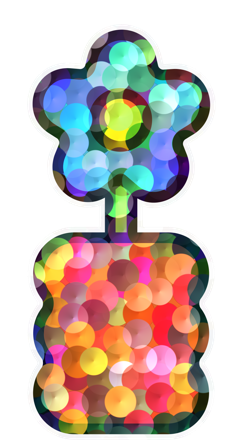
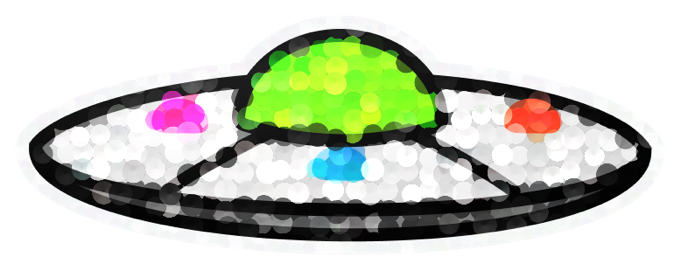
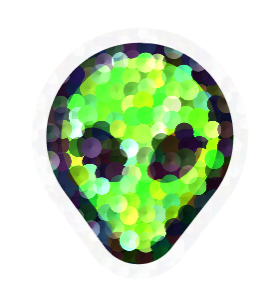
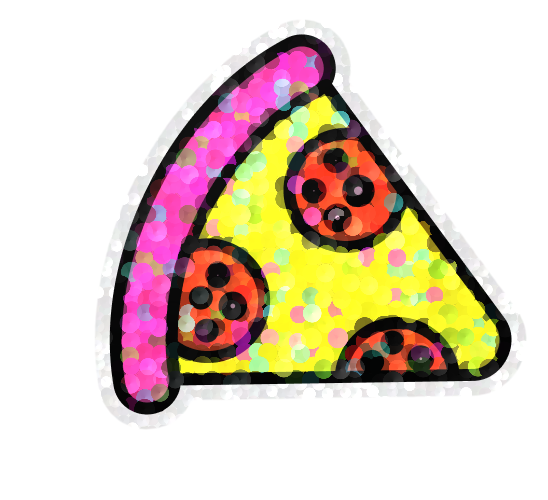
Turns any selected layer into a 90s/00s holographic sticker — the overlapping sequin flakes, the die-cut white edge, the silver and blue flashes between the colours.

Four presets

Rendered live, right here — the same shader that runs inside the plugin.

Tinted

Confetti discs that take their colour from the artwork underneath, with a scattering of rainbow/silver flakes between — the Sandylion sticker-sheet look.

Rainbow

Same discs, full spectrum, ignoring the artwork’s colour.

Glitter

Dense fine grain, like glitter cardstock.

Foil

No particles — flowing oil-slick film.

All four are just starting points for the same shader — the sliders move freely between them.

Every slider

Sixteen controls, all live against the preview.

Shimmer
Overall strength of the holo layer.
Object tint
0 = every flake is full spectrum. 1 = each flake takes the colour of the artwork under its centre, and stays at that lightness.
Colour vary
How far each flake’s hue and saturation drift from the object’s own colour. A pink sticker at 0 is one flat pink; at 0.55 you get magenta, coral and pale-pink mixed through it.
Holo flakes
What fraction of the flakes are iridescent flashes rather than object-coloured. Recoloured at the artwork’s own lightness, so they read as film catching the light.
Holo colours
Up to four swatches for the flash flakes; each flake picks one at random. Default is silver / sky blue / mint. Or tick auto spectrum.
Holo lift
How much brighter the flash flakes are allowed to be than the artwork. Push it up to make gold or silver pop on a dark sticker.
Flake size
Scales the discs, in design px, so it is resolution-independent. They overlap into a full mosaic with no gaps.
Hue spread
How much of the spectrum the flakes span. Low is tonal, high is full rainbow.
Scatter
How far each flake is jittered off its grid cell. Low is evenly packed confetti, high is loose and clumpy.
Sparkle
The white specular pops on individual flakes.
Light angle
Direction the light sweeps from; each flake shades from that side.
Gloss
Broad plastic highlight across the whole sticker.
Die-cut border
White vinyl edge, with optional silver-holo glitter in it.
Drop shadow
Soft shadow under the die-cut silhouette.
Resolution
2x / 3x / 4x export. Auto-caps so the result stays under Figma’s 4096 px image limit.
Shuffle
Re-rolls the flake scatter.

Install & run

No build step needed — ui.html is committed pre-built.

  1. Download the zip ↓ and unzip it, or clone the repo ↗.
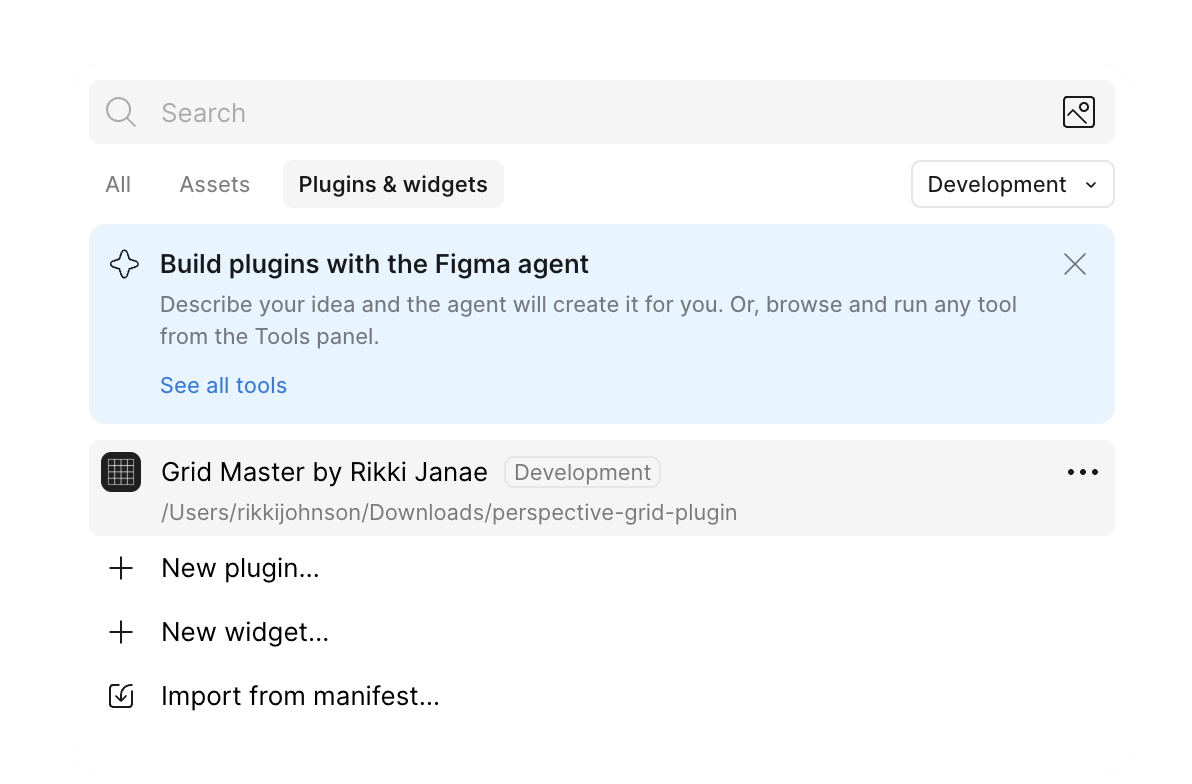
  2. In the Figma desktop app: menu → PluginsDevelopmentImport plugin from manifest…
  3. Pick manifest.json from the folder.
  4. Select a layer, then PluginsDevelopmentShiny Sticker by Rikki Janae.

Multi-select works — it processes every selected layer in one go.

Under the hood

  • The preview is cheap. It renders from a small export capped at 640 px. Everything in the shader is authored in design px, so it looks identical to the full-resolution result.
  • The distance field is cached. Pass one only recomputes when the source or the padding changes, so slider drags pay for the composite pass alone.
  • Nothing is drawn where it can’t show. Border and shadow are only evaluated where they’re visible; the artwork pass skips transparent pixels.
  • Scrubbing is debounced. Selection changes wait 120 ms, so moving through layers doesn’t queue an export for each one.